
Vanta Admin Demo
Vanta Admin Demo gives visitors a safe, hands-on way to try Vanta Admin with fictional data in a private temporary workspace.
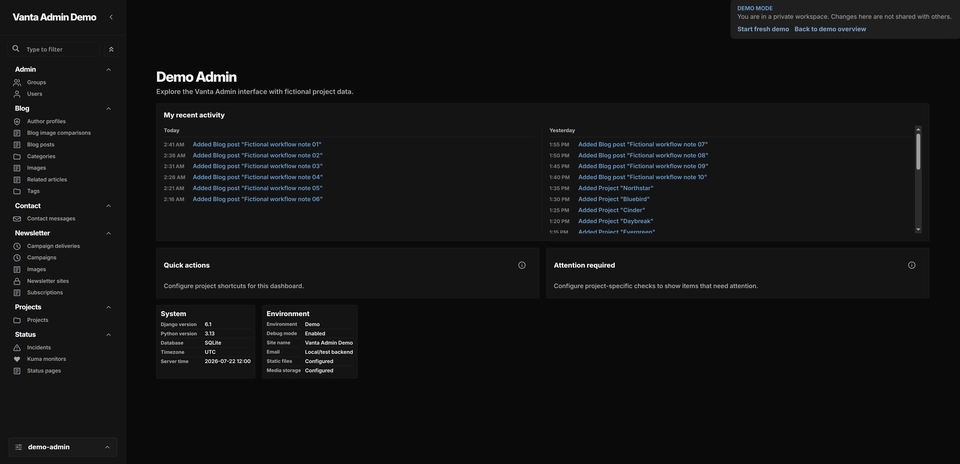
I built Vanta Admin Demo to give people a safe, hands-on way to try the Django Vanta Admin theme. It behaves like a real Django admin, but visitors do not need an account or credentials, and every record is fictional.
Each browser gets its own temporary workspace. A dedicated PostgreSQL database keeps track of sessions, workspace leases, capacity, and rate limits. The editable demo data lives in a disposable SQLite file copied from a versioned seed database, which makes reset and recreation straightforward.
A safe, temporary workspace
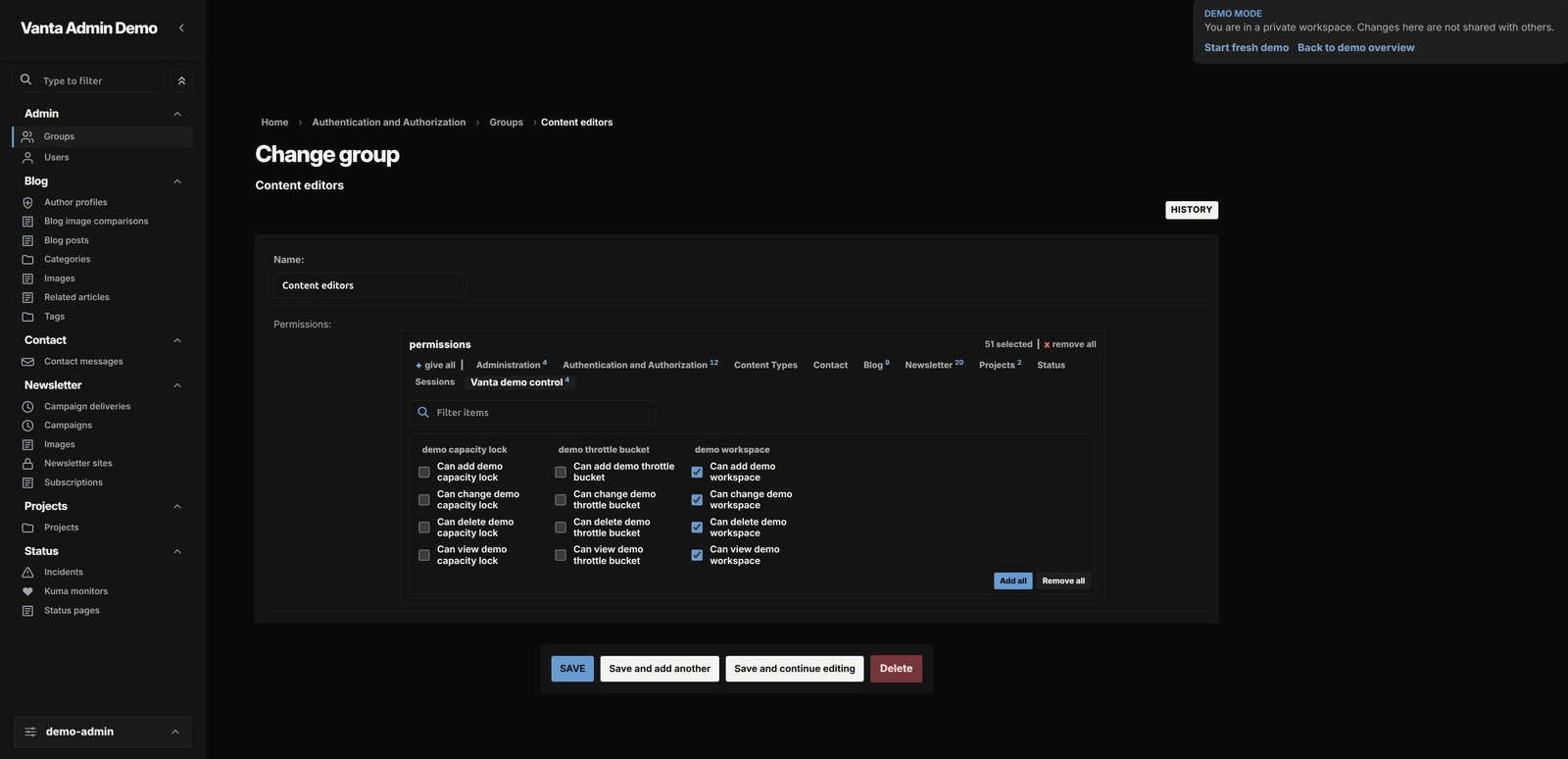
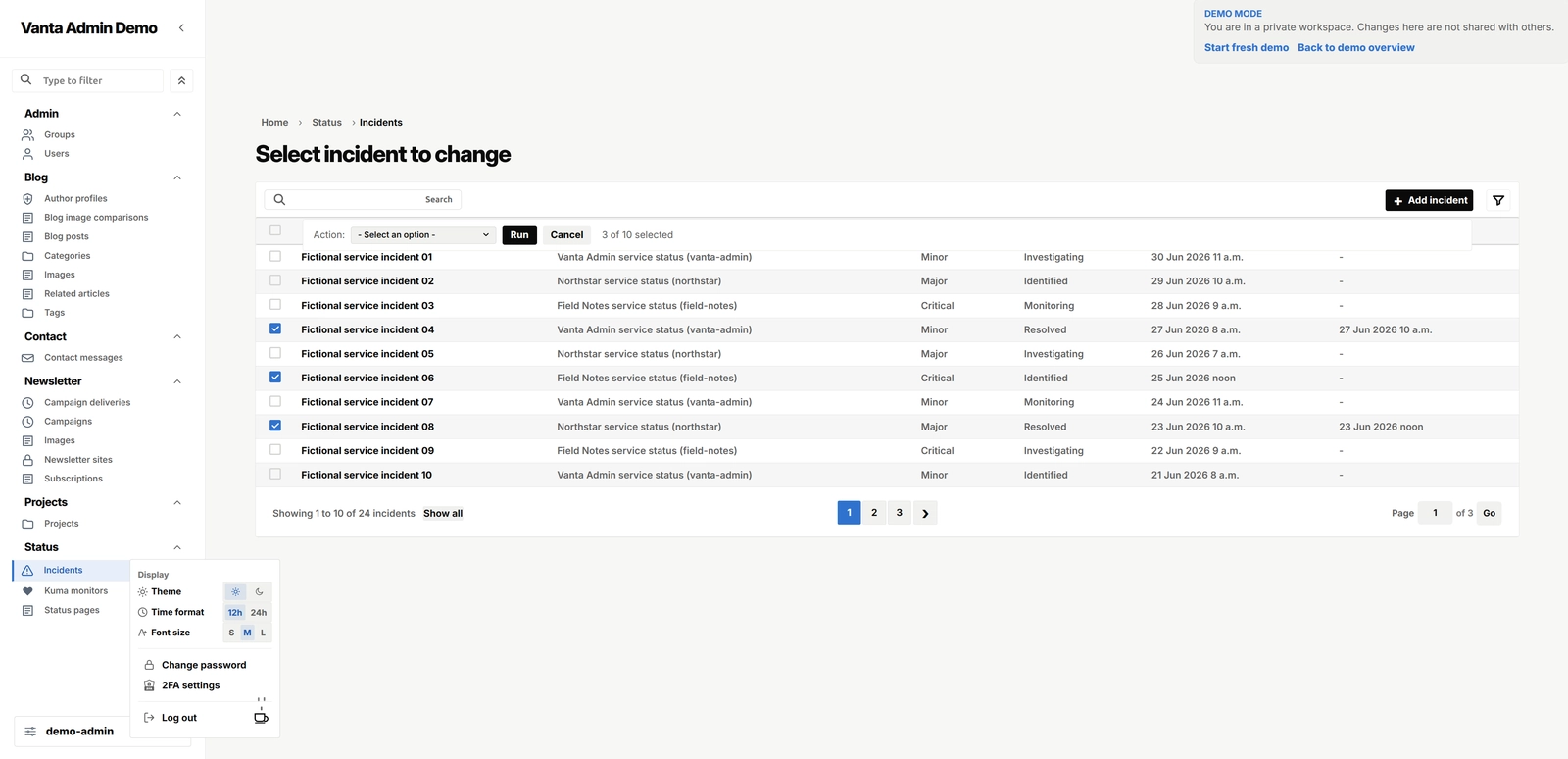
The workspace contains a focused set of realistic Django workflows, including search, filters, pagination, relationships, inline forms, history, and bounded edits. The runtime also fails safely when a workspace is missing or incompatible: workspace IDs never appear in URLs, the synthetic administrator has no usable password, and private workspace responses are excluded from search indexing.
The result is more than a static theme preview. The demo also owns the workspace isolation, deterministic seed, rate limiting, cleanup command, and readiness checks that make a public, writable example safe to use.
Vanta Admin Demo gallery
A look at the public demo, its private workspace flow, and Vanta Admin running with realistic fictional data.
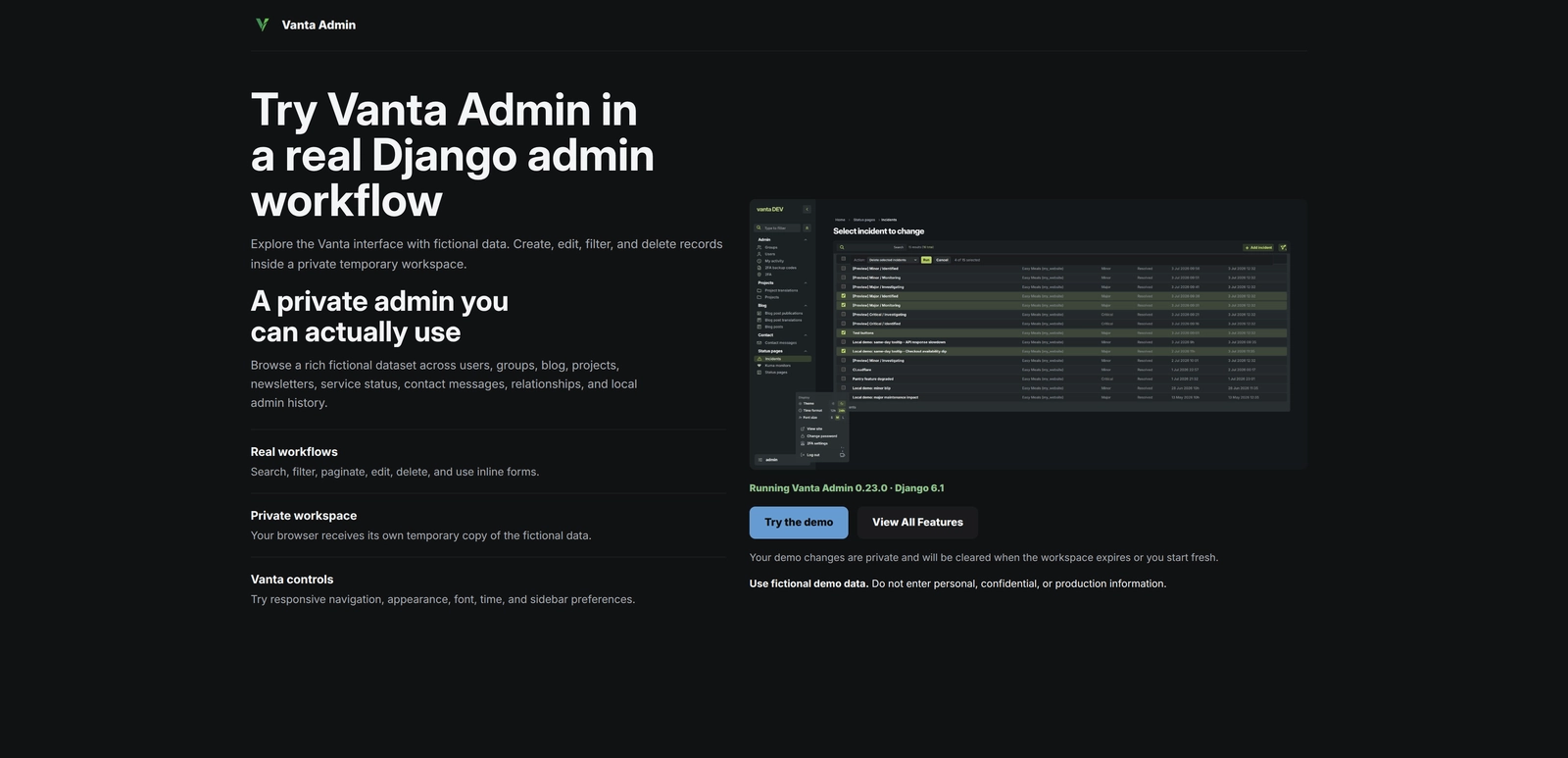
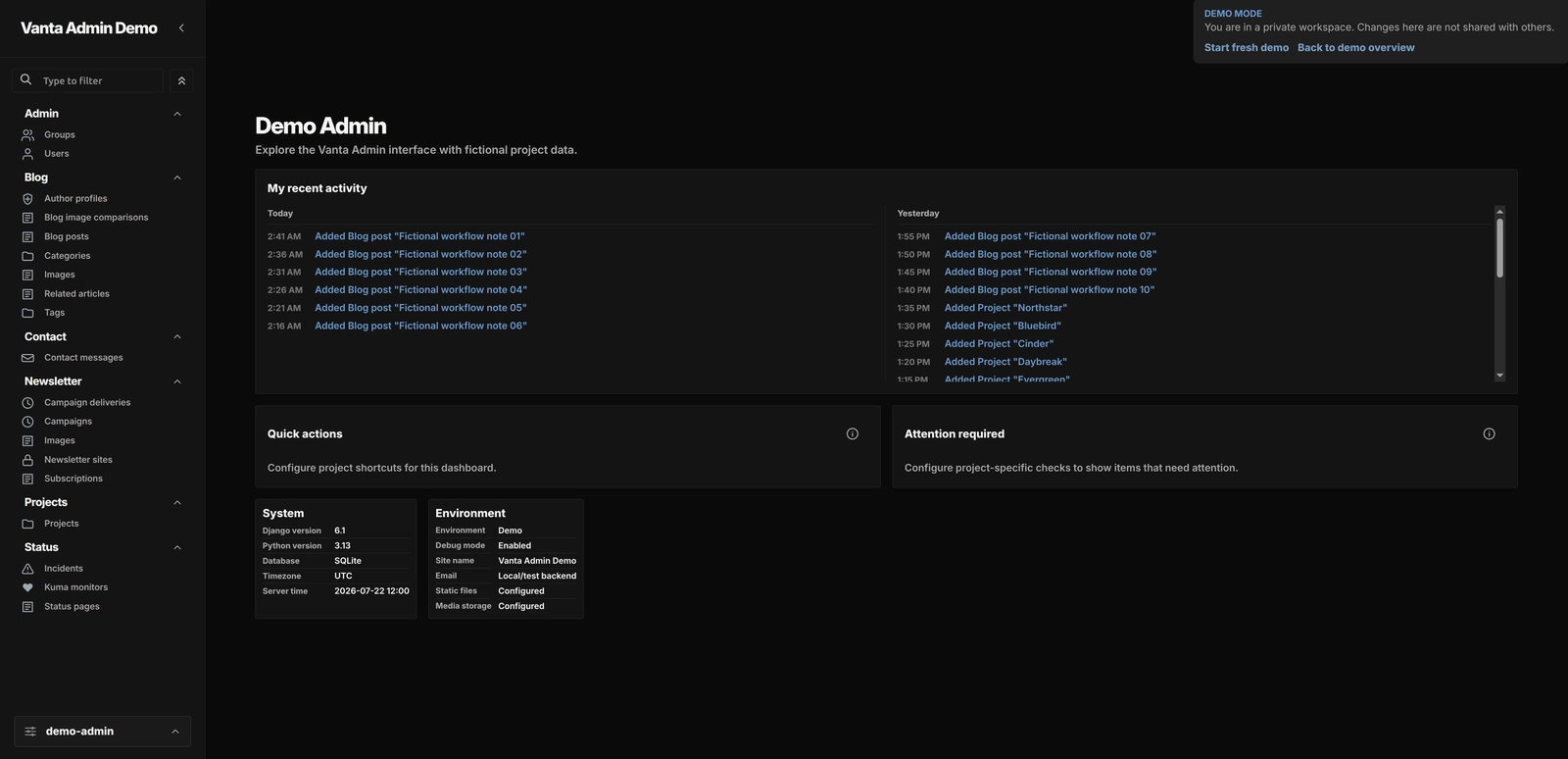
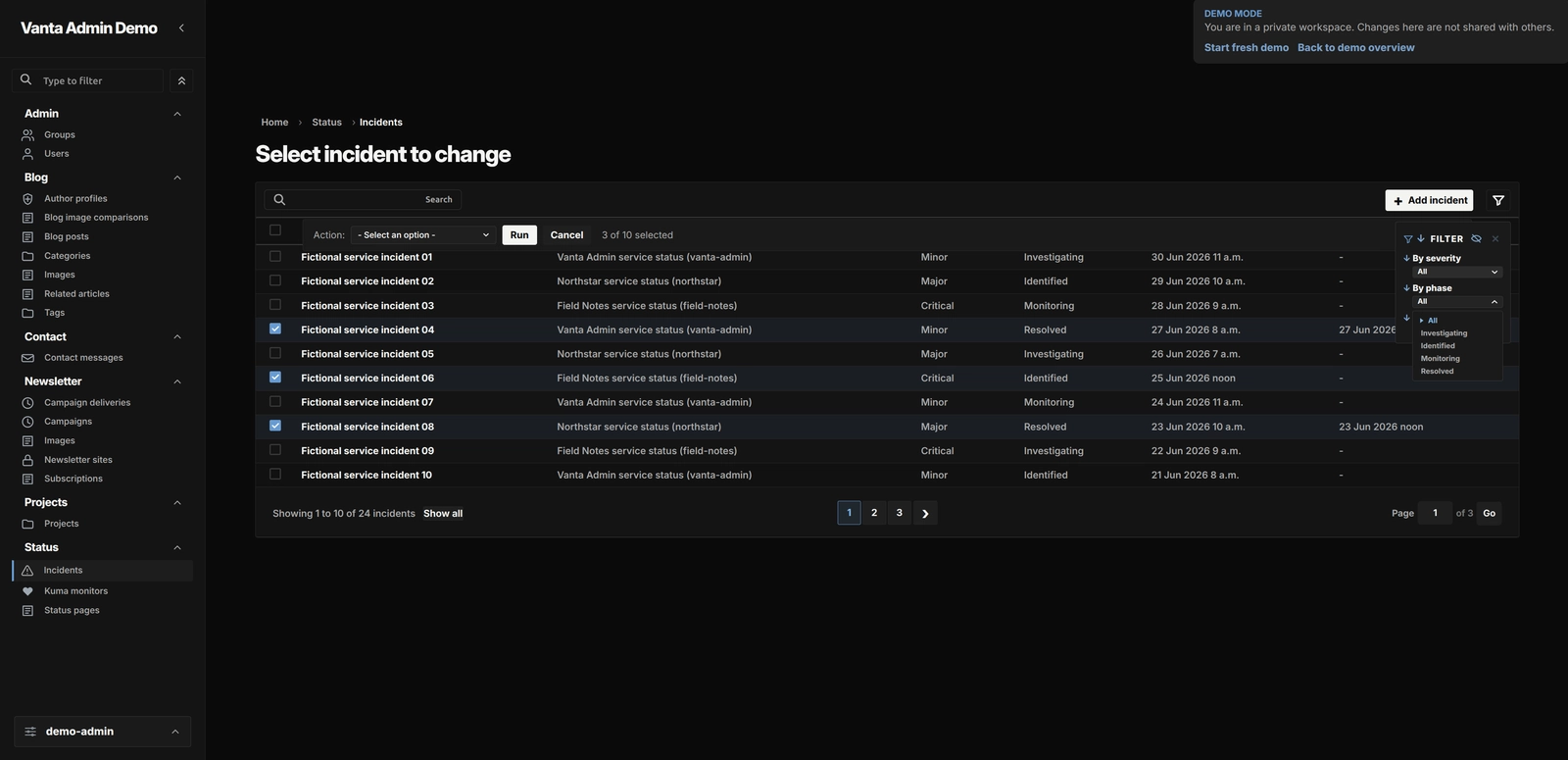
Open gallery 6 images
Project information
- Category
- Themes
Built with
- Python
- Django
- PostgreSQL
- Docker
- HTML5
- CSS3
- JavaScript







View full feature list
The Vanta Admin Demo is a small, standalone Django application built around a simple idea: let people try a real Django admin without giving them an account or access to anyone else's data.
The interesting part is the disposable environment around the demo. Each visitor gets a private workspace, the workspace can be reset at any time, and the whole thing is designed to fail safely when something is missing or out of date.
A self-contained Django application
The demo has its own Django settings, URL configuration, middleware, authentication backend, admin site, and database router. It consumes a pinned release of Vanta Admin while keeping the demo's runtime, templates, and static files in its own application boundary.
Requests are always handled in the context of the current workspace. When a workspace is needed, the application registers its SQLite database for that request and closes the connection afterwards. This keeps one visitor's data from becoming a default or fallback for another request.
One private workspace per browser
When a visitor starts the demo, the server creates a browser identity and a temporary workspace. The workspace ID stays in the server-side session. It is never taken from a URL or an editable form, so copying a link does not copy access to someone else's workspace.
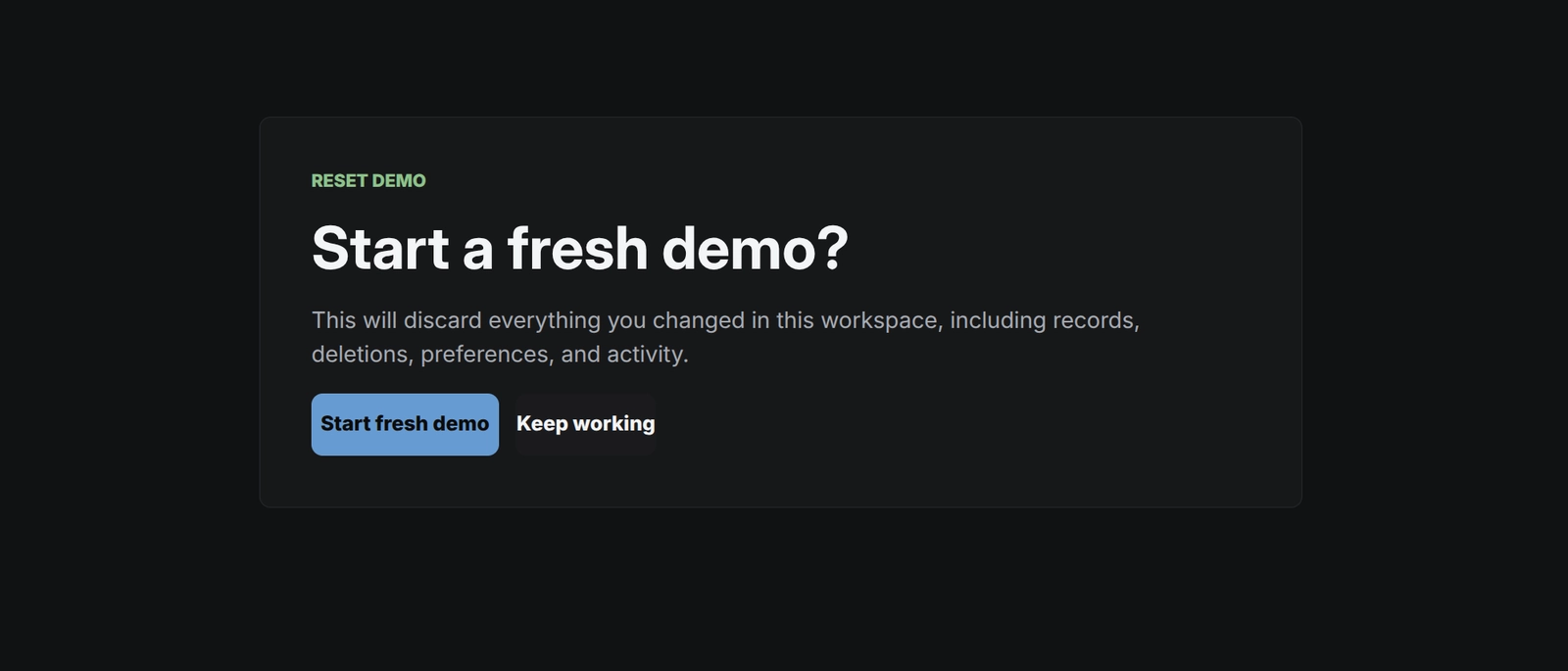
The shared control data lives in a dedicated database. The editable demo data lives in a separate SQLite file for each browser. The application supports starting, resuming, resetting, and expiring these workspaces. A browser can have one live workspace at a time, and a reset creates a fresh copy from the seed.
Workspace filenames are derived from UUIDs and checked against the configured workspace directory before they are opened. If the session, workspace record, file, or compatibility information does not match, the application refuses to open it and asks the visitor to start again.
Rate limits and capacity
Because the demo is writable and open to visitors, it needs a few simple guardrails.
Workspace starts and resets use a fixed-window rate limit. The application derives a client key with HMAC and stores the hash rather than the original address. Updates happen inside a database transaction, which keeps concurrent requests from bypassing the limit through a race.
Workspace creation also uses a database-backed capacity lock. This makes the capacity check and reservation one operation. Stale reservations are cleared before counting active workspaces, and callers receive a bounded retry response when the rate or capacity limit has been reached.
A seed that is safe to copy
The demo starts from a deterministic, versioned SQLite seed. A dedicated management command builds it using the demo's migration boundary. The command writes to a temporary file first and moves the completed file into place only after the build succeeds.
When a visitor starts a workspace, the application copies that immutable seed into a new workspace file. It does not try to migrate disposable workspaces in place. Before the file is used, the application checks its SQLite integrity, required schema, location, and protected synthetic staff record.
The seed version acts as a compatibility boundary. If code and data no longer match, the old workspace expires and can be recreated cleanly. The application also refreshes the seeded activity dates when a workspace is created, so the demo remains useful without rebuilding the source seed every day.
Keeping a public writable runtime bounded
The demo exposes only the workspace-side models and operations needed for the demonstration. It does not expose the whole application surface.
Request bodies, submitted fields, records, inline rows, and text values have limits. These limits keep a public writable demo predictable without changing the basic Django workflow. File uploads, external credentials, provider actions, outbound sends, webhooks, and unrelated application data stay outside the boundary.
All changes remain inside the current disposable workspace. Resetting or expiring that workspace removes the visitor's changes without affecting anyone else.
Security and safe failure states
The demo uses its own authentication backend and a protected synthetic staff user with an unusable password. Visitors can try the admin workflow without managing a real account or credential.
Session and CSRF protections, separate runtime secrets, and HMAC-based client keys cover the main request boundaries. Workspace, lifecycle, and diagnostic responses are private and excluded from search indexing.
Invalid requests, CSRF failures, rate limits, capacity exhaustion, expired workspaces, missing files, and unexpected errors become safe state responses. Unexpected server errors expose only a short request reference. They do not return workspace data or credentials.
Cleanup and simple runtime checks
An idempotent cleanup command expires stale control records and removes workspace and orphan files only after validating their paths. This keeps disposable data from accumulating without making workspace recovery complicated.
The application also has lightweight health and readiness checks. They check the control database, capacity lock, seed file, and writable workspace directory. A tagged Django system check covers required secrets, seed version, middleware ordering, runtime limits, filesystem boundaries, and database settings.
Deliberate boundaries
The demo is intentionally focused. It does not add a public data API, mobile client, registration system, analytics integration, or external provider workflow. Its data is fictional and disposable, so reset, expiry, incompatible seed data, or file loss leads to safe recreation rather than data recovery.